
Search Montgomery County Warrant Records
Montgomery County warrant records can help you check a current warrant, spot a recent booking, or match a hearing to the right office in Clarksville. The sheriff's public inquiry portal, the Circuit Court Clerk, and the General Sessions Court each cover a different slice of the record trail. The county app also helps because it surfaces the booking log and daily court docket. If you start with the newest fact you have and move to the office that likely created the record, Montgomery County Warrant Records are easier to verify and easier to request.
Montgomery County Warrant Records Search
The Montgomery County sheriff public inquiry portal is the quickest official place to start. The portal at api.mcgtn.org/publicinquiry/warrant/search opens as MCSO Public Inquiry and includes tabs for Booking Log, Warrant Search, 911 Call Log, and Inmate Roster. That makes it a strong first stop when you want the current status of a case instead of a broader court history.
The sheriff office itself is at 120 Commerce St, Clarksville, TN 37040, with phone number 931-648-0611. If you need a current name check, the portal and the office point to the same county source. When the matter is active, that is usually the cleanest route into Montgomery County Warrant Records.
Before you search, keep the key details close. A name helps. A date of birth helps more. A booking date or hearing date can narrow the result even faster.
- Full legal name
- Date of birth if known
- Recent booking date
- Court date or docket number
That small set of facts is usually enough to keep the search focused and avoid the wrong record trail.
Montgomery County Warrant Records and the Sheriff
This local image points to the Montgomery County Sheriff page and matches the county's sheriff-side record trail.
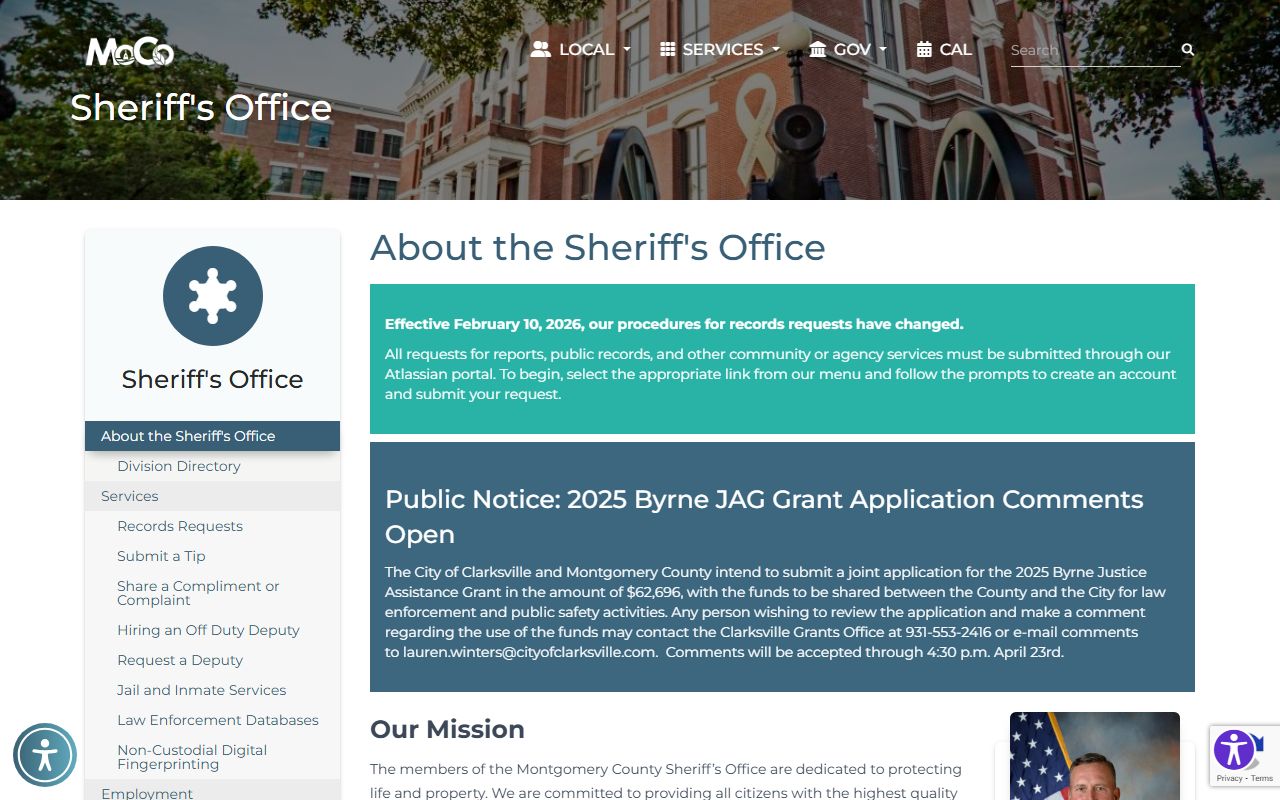
Use it as a visual reminder that the sheriff office is the first county stop for active warrant questions, booking movement, and recent custody changes.
The sheriff office is the current-status source. The portal can show whether a booking exists, whether the search index has a warrant entry, and whether the county has a related roster note. That is useful when a case is moving fast. It is also the best way to avoid calling the wrong office first.
Montgomery County also uses the county app as a quick public feed. The official county news page at County Releases Android App says MCGTNotify includes the Sheriff's Office booking log and the daily court docket. That gives you a second official way to check whether the county has already posted the newest movement.
Montgomery County Warrant Records in Court
The court side matters when a warrant becomes a docket or a hearing question. The research places the Circuit Court Clerk at 2 Millennium Plaza, Clarksville, TN 37040, with phone 931-648-5703. General Sessions Court is at the same address and uses phone 931-648-5704. Those offices are the best court-side contacts when you need the filed case rather than the active enforcement status.
That split is important. The sheriff and portal tell you whether the county sees the matter right now. The clerk and General Sessions tell you what happened once the case got into court. If you are trying to match a warrant to a hearing date or a filed charge, the court offices usually give you the cleaner answer.
The county news page also helps because it ties the booking log to the daily docket in the same public app. That is a practical bridge between a fresh booking and a court appearance. It can save time when you need the newest public clue before you call the clerk.
Note: A docket note can be easier to find than the warrant itself, so the court offices may answer the status question even when the warrant portal only gives part of the trail.
Montgomery County Warrant Records and Public Access
Tennessee public records law still governs access to Montgomery County warrant records. In general, county records are open for inspection during business hours unless a legal exception applies. That is why the local office can release some material quickly while other pieces need review. A focused request is still the best way to get a useful result.
Some files can stay limited. Active investigations, juvenile records, and other protected material may be withheld or redacted. That is normal. It does not mean the county has no record. It means the office may release the public piece first and hold back the protected piece until it is ready or releasable.
The Tennessee Office of Open Records Counsel at comptroller.tn.gov/office-functions/open-records-counsel.html explains how Tennessee records requests work and what the county office can reasonably do with them. It is a useful guide if you need to keep a Montgomery County Warrant Records request short, direct, and realistic.
When the request is specific, the answer is usually better. Name the person, say which office you want, and narrow the date range if you can.
Montgomery County Warrant Records and State Tools
The Tennessee Bureau of Investigation background checks page at TBI background checks and the TORIS portal can help with Tennessee-only criminal history. They do not replace the local warrant search, but they can add context when a county case has already moved farther down the line.
The Tennessee court site at tncourts.gov and the Public Case History page are useful once a case has left the immediate warrant stage. They track appellate-level history, not live county warrant status, so they work best as a follow-up tool rather than a first stop.
The county app, the portal, and the court offices are usually enough for a local search. State tools help when you need a wider Tennessee picture or want to see whether the case later reached another level.
More Montgomery County Warrant Records Help
The best sequence is simple. Use the sheriff portal for active status. Use the court offices for filed records and hearing questions. Use state tools only after you know the stage of the case. That keeps the search tied to the office that most likely has the paper.
If you need to keep going, these official sources are the safest starting points: Montgomery County warrant search portal, Montgomery County Sheriff, county app news, TBI background checks, TORIS, Open Records Counsel, tncourts.gov, Public Case History, and the State Library and Archives. Those links cover the county and state trail without leaning on weak outside databases.
That is usually enough to confirm where the record lives and what kind of follow-up you need next.